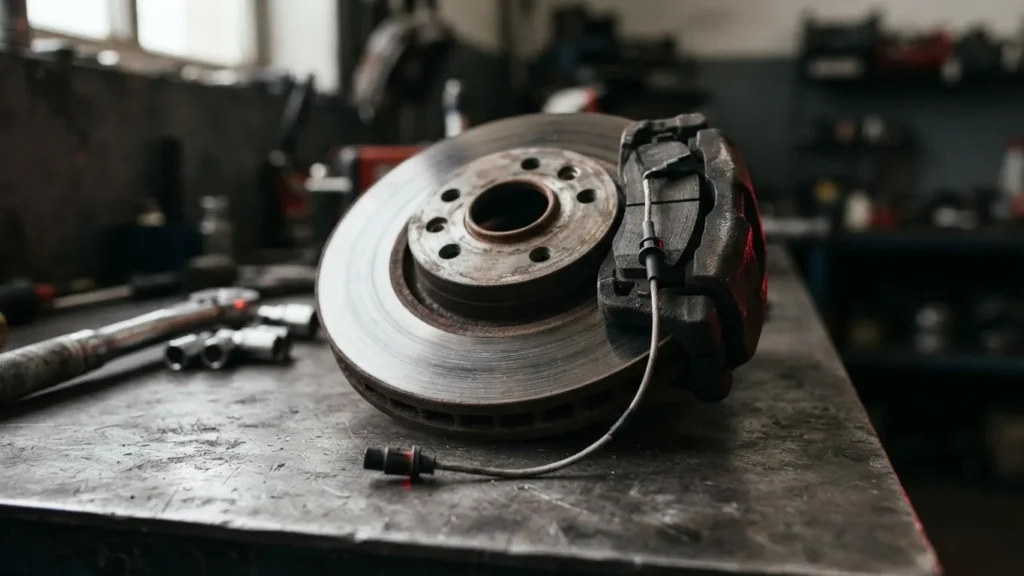
The “miles remaining” figure on your dashboard is a calculation, not a ruler held against your pads. A brake pad wear sensor on most passenger cars is a single loop of wire buried in the friction material; it tells the car exactly one thing – whether that loop is still intact. The predicted distance you see comes from the computer blending wheel speed, mileage, brake pressure and temperature, which is why two drivers with the same car can see very different estimates. That distinction decides how much you trust the number, and it is where most generic explanations stop. This guide covers what the sensor actually senses, the thresholds that differ by system, and the warning signs that mean inspect now.
None of what follows replaces a hands-on inspection. Brakes are safety-critical, and a sensor is a prompt to look, not a substitute for a certified mechanic putting a gauge on the pad.
What a Brake Pad Wear Sensor Measures – and What It Only Estimates
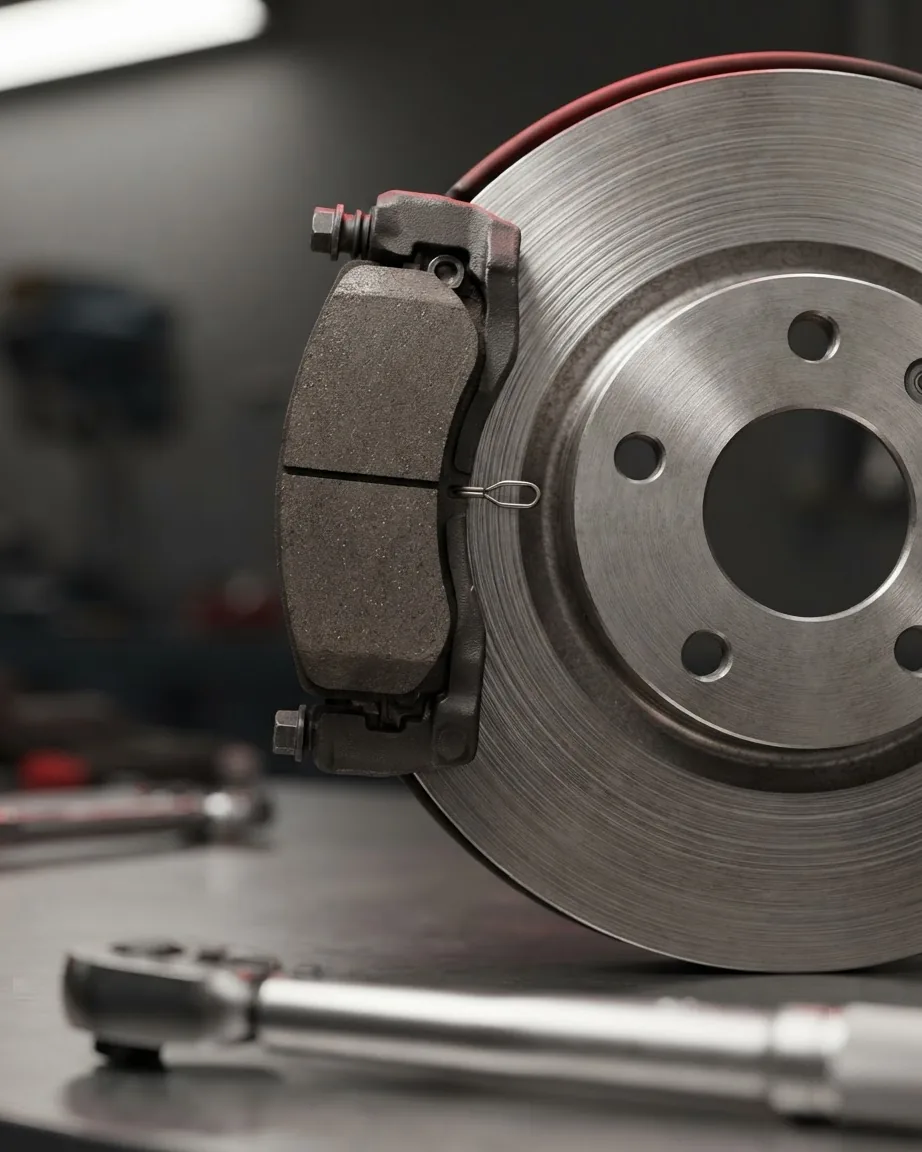
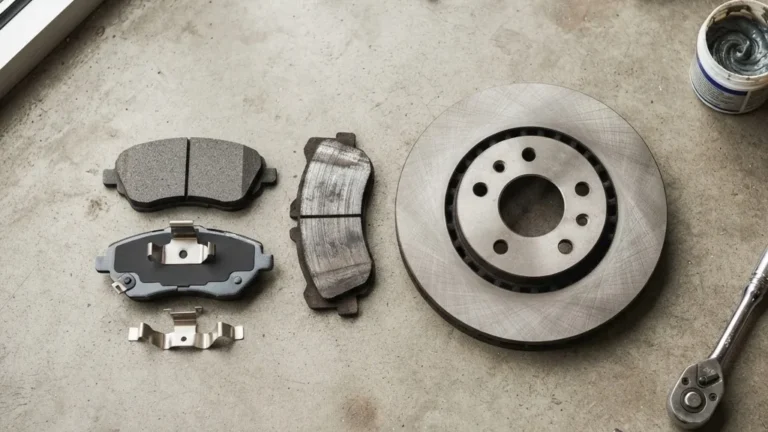
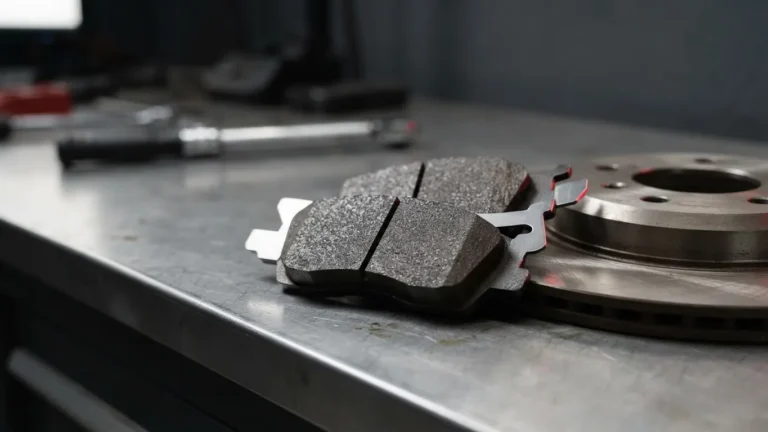
There are three designs in the field, and they do not report the same information. The oldest is the mechanical squealer: a bent metal tab that scrapes the rotor and screeches when the pad thins out. It gives an audible clue, nothing electronic. The second is the electronic loop. According to Delphi, this is a small loop of wire carrying a low current; as the pad wears, the loop is exposed, contacts the rotor, and the circuit opens, which lights the dash warning.
The third is the two-stage sensor, and it is the one that produces a predicted range. Delphi describes two resistor circuits sitting at different heights in the housing. When the first is breached, resistance rises and the car begins calculating remaining life from wheel speed, mileage, brake pressure, temperature and operating time. When the second circuit breaks, the loop goes fully open and the service warning fires.
The practical lesson: a dashboard distance estimate is model behavior, not a measurement of pad thickness. Treat it as a planning aid. A loop opening is a binary fact – the wire broke – and that is the signal that actually corresponds to a worn pad.
The Trigger Threshold: Why 2 mm, 4.5 mm and “2 to 3 mm” Are Not the Same Number
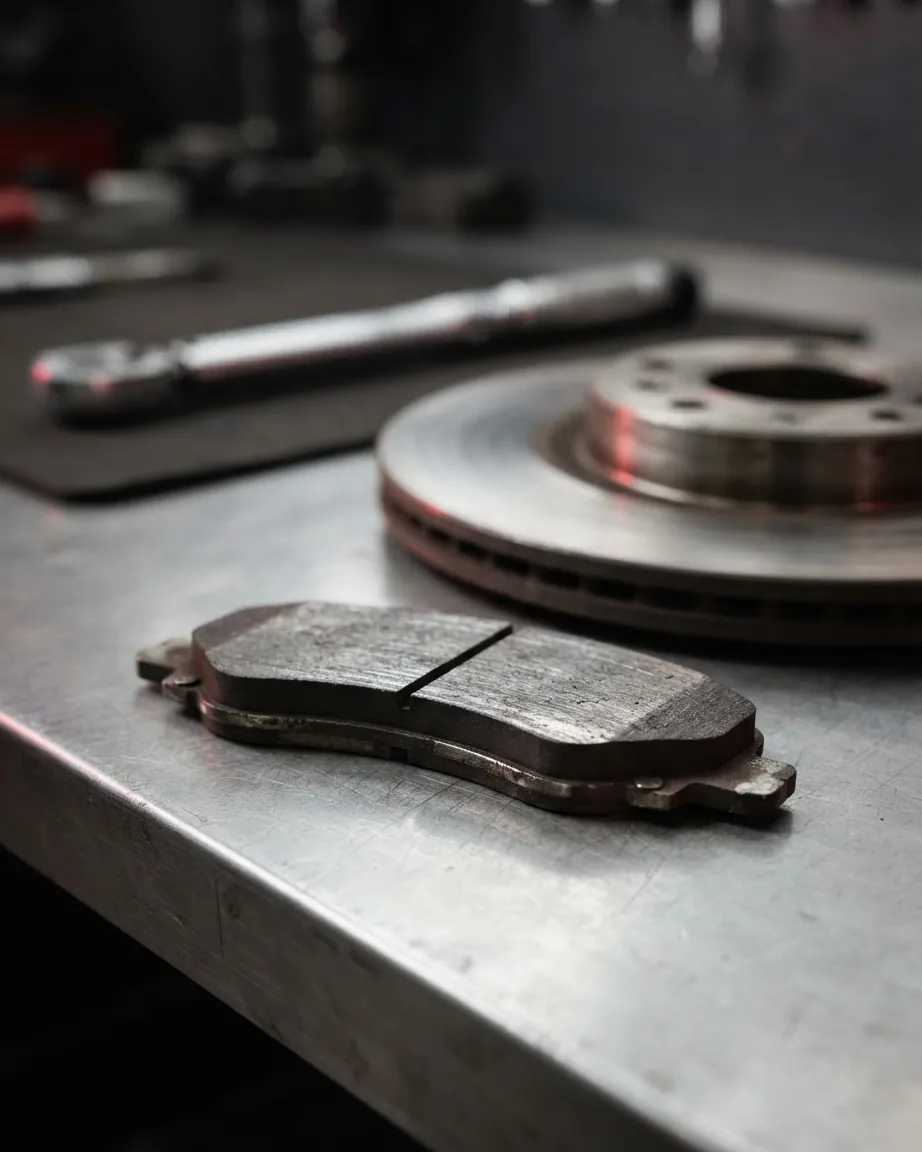
Owners want one millimeter figure that says “replace.” No source in good faith will hand you a universal passenger-car number, because the figures that circulate describe different events. Keep them separate.
- About 2 mm – the alert point. Firestone Complete Auto Care states most pads reach a minimum thickness of about 2 mm before the indicator alerts you, leaving time to replace them before braking is compromised.
- About 4.5 mm – a replacement-planning threshold. PowerStop recommends replacing pads as the thickness wears down to roughly 4.5 mm and below. That is a cushion, not the point where a sensor necessarily fires.
- 2 to 3 mm – where a wear tab starts touching the rotor. AllRotors notes a tab may be positioned so it begins contacting the rotor when roughly 2 to 3 mm remains.
These are three measured conditions, not one disputed value. The Firestone 2 mm is an alert moment; the PowerStop 4.5 mm is a plan-ahead cushion; the AllRotors 2 to 3 mm is a contact point for a mechanical tab. Merging them into an average would invent a number none of these authorities stated. When you need the figure that governs your specific car, the authority is the workshop manual’s residual lining thickness spec for your make and model – manufacturer specifications win over any general rule of thumb.
For context on how far pads start from any of these, AllRotors uses an illustrative new-pad example of roughly 10 mm of friction material. It is an example, not a spec – your pads’ starting thickness is printed in the part data, not derived from a blog.
“The Warning Came On but the Pads Look Fine”: The Audi Crimp Case
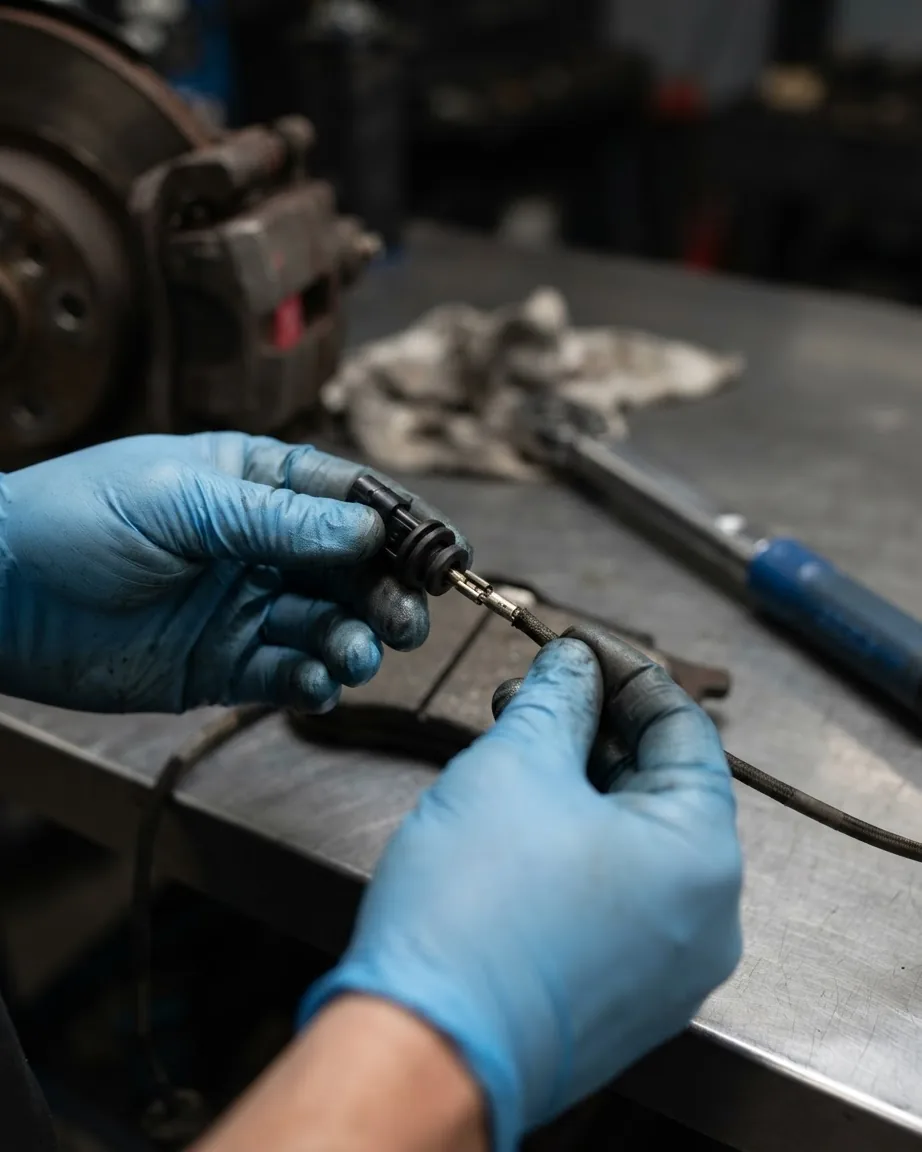
A lit sensor usually means worn pads. One documented failure mode says otherwise, and it is specific. Audi of America issued Technical Service Bulletin 2061403/2, dated 2024-03-08, filed on the National Highway Traffic Safety Administration’s repository. The bulletin’s workshop finding reads plainly: the brake pads have not yet reached their pad wear limit despite the warning.
The cause Audi names is a brake-pad-wear sensor wire that was not properly crimped to the pin of the sensor connector. The fix is to inspect the crimp on the harness side and replace the harness if the wire is faulty – and, critically, the bulletin tells technicians to first confirm the brakes have not actually reached the wear limit before blaming the crimp. If the wire is crimped correctly, the bulletin does not apply and normal diagnosis continues.
That ordering is the point for any driver on any car: a warning is a reason to measure the pad, not a license to assume a sensor fault. The crimp case is model-specific. It does not mean warnings are generally false – it means the first move is always a physical check.
Why the Light Stays On After New Pads
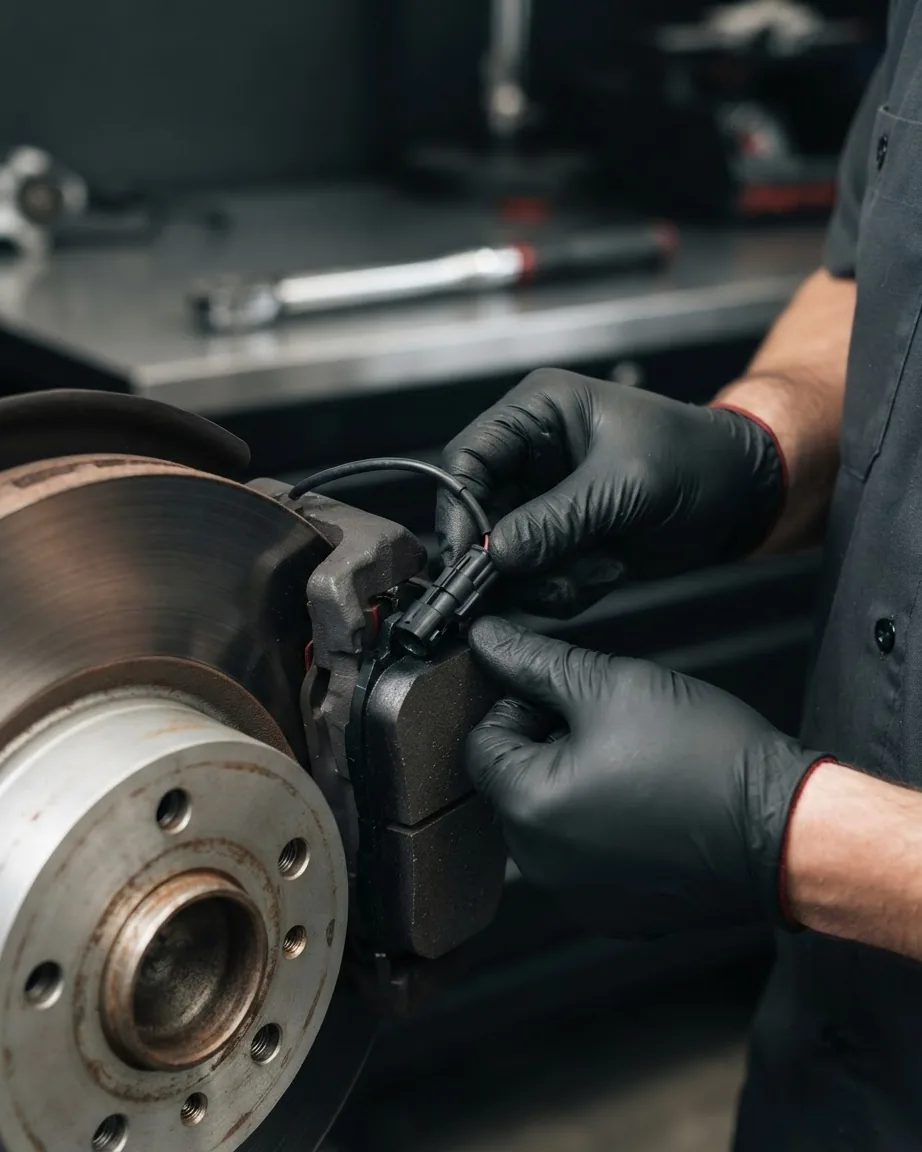
You fitted fresh pads and the warning survived. A handful of causes explain it, and they rarely include “the pads are still worn.” The sensor may have been reused when it should have been swapped. A connector can sit loose, or a wire may have broken during the job – pad-wear harnesses are fragile and easily nicked when you are also handling rotors. And on systems that need it, the service reminder may simply never have been reset.
Resets split by architecture, and there is no single rule. Some cars clear automatically once the circuit reads intact again. Others need a scan tool or a condition-based service reset through the menu. Before you chase a phantom fault, confirm which camp your car is in; a stubborn light after a clean install is often an unperformed reset, not a defect.
Replace the Sensor Every Time, or Only When It’s Damaged?
Here the sources genuinely differ in rule, and both positions are defensible. Delphi takes the blanket line: because brake pad wear sensors are designed to break, they should be replaced as a matter of course every time new brake pads are fitted, and inspected between changes because brake heat damages wiring and clips over time. AllRotors frames it conditionally – whether a sensor needs replacing depends on whether it has actually contacted the rotor and broken its loop.
Resolve it by sensor type. If the sensor is embedded in the pad material and non-removable, the question answers itself: it leaves with the old pad. If it is a separate clip-in loop that never touched the rotor, it can survive – but the manufacturer-designed-to-break logic, and the low cost of the part, make “replace it” the lower-risk call on a safety system.
One Sensor per Axle: The Wheels No One Is Watching
A wear sensor does not live at every corner. Delphi notes systems typically carry a sensor on the inboard pad at each corner, but the count can vary between one and four depending on the braking system’s design. Many cars monitor one wheel per axle and infer the rest.
That inference has a blind spot. A sticking caliper or an uneven pad can wear a monitored wheel slowly while an unmonitored wheel on the same axle wears fast – and the dash stays dark because the loop it watches is still whole. The wheel that fails the gauge may be the one the car never checks. This is why a visual inspection of all four corners outranks a quiet dashboard, and why a sensor that has not tripped is not proof your pads are healthy. The same caution applies to the thickness number that actually decides rotor life, since uneven pad wear and rotor damage travel together.
The Grace Period After the Warning, and the Rotor Damage Clock
The reason an alert point like Firestone’s 2 mm exists above zero is to buy you time. The sensor is meant to warn before the pad is gone, not at the moment metal meets metal. But the buffer is finite, and ignoring it converts a pad job into a rotor job.
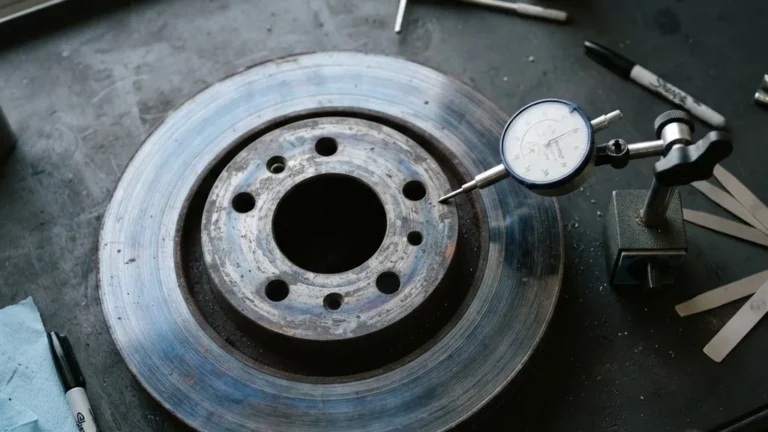
Once the friction material is exhausted, the pad’s steel backing grinds the rotor directly – the grinding you hear and the scoring you feel through the pedal. At that stage a rotor that could have been resurfaced may instead need replacement. The honest reading of the grace period: it is enough to schedule service soon, not enough to defer it for months. If the pads are near the manufacturer’s residual thickness, if the pedal has gone soft, or if you see dark, old brake fluid, inspect now rather than driving on the estimate.
Brake Fluid, the Soft Pedal, and the DOT Rating You Never Mix
A sensor watches pads; it says nothing about the fluid moving them. A soft or spongy pedal is its own warning sign, independent of any pad sensor, and it warrants inspection. Dark, dirty fluid in the reservoir is a visual cue that it may be past due.
Use only the DOT rating your manufacturer specifies and never mix ratings; the correct spec is printed on the reservoir cap and in the manual. Mixing fluid types or topping off with the wrong grade compromises the whole hydraulic system. A technician bleeds the lines to purge old fluid and trapped air – work that belongs to a certified mechanic, because a bleed done wrong leaves air in the system and a brake that fails when you need it.
What a Technician Uses, and What the Job Tends to Cost
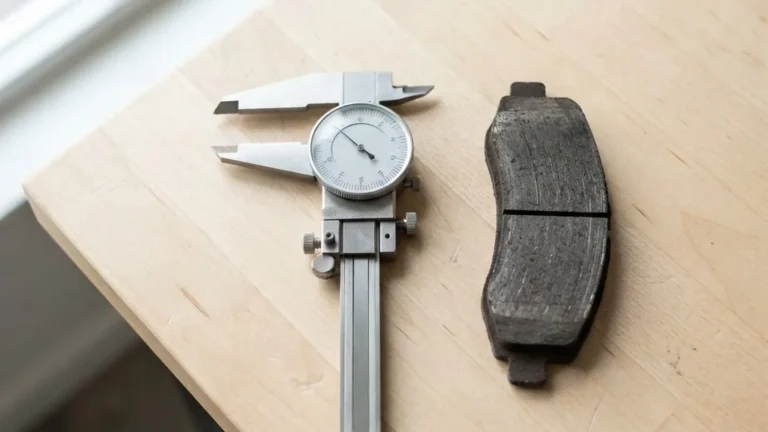
The pad check itself is simple hardware. A mechanic measures residual lining with a brake pad gauge or calipers, reads both the inner and outer pad because they often wear at different rates, and compares the result to the manufacturer’s residual thickness spec rather than to any blog figure. Inner-versus-outer disagreement is itself a clue – a stuck caliper slide or piston wears one side faster.
Diagnosing a sensor fault adds, on many cars, a scan tool to read the warning and perform the reset. Tool choice matters at the caliper, too – see our brake pad spreader guide and the brake pad shims guide. For the wider subject, our brake pads section collects the inspection and replacement material.
Yellow Tell-Tale Rules and Heavy-Truck Sensors: Different Worlds, Different Thresholds
The passenger-car numbers above do not transfer to every vehicle class or jurisdiction, and conflating them is a mistake worth flagging. On regulation, UN Regulation No 121 – published in the EU Official Journal on 2016-01-08 and incorporating amendments effective 2015-06-15 – specifies a yellow tell-tale for the brake-lining wear-out condition per EUR-Lex. That rule governs the symbol and its color. It does not dictate a sensing method or a millimeter trigger, so it is not comparable to any thickness figure.
Commercial vehicles use a different logic entirely. ZF describes an RSS brake-pad-wear system, documented October 2024, that can connect wear indicators on up to 6 trailer brakes, wired in series and operated at 12V. Rather than flagging a cushion like 2 mm, the ZF system activates its warning only after the wear-indicator wire has been worn through for at least 4 seconds, a state it defines as 100% brake-lining wear – the end value for lining wear, not an early alert. When the linings are replaced, the system detects the new indicators and deactivates the warning after 8 seconds, without a manual scan-tool reset.
That auto-reset is a sharp contrast with the passenger-car scan-tool and condition-based resets described earlier: no universal reset rule exists across vehicle types. ZF separately offers a continuous wear sensor under its MAXX Uniper line – a different architecture again, measuring wear progressively rather than firing at a single worn-through point. Treating a truck’s “100% worn” trigger as if it were a car’s early-warning threshold would put you on the road with far less margin than you think.
Warning Signs That Mean Inspect Now
Pulling the thresholds and symptoms together, these are the cues that warrant a hands-on check rather than another week of watching the estimate:
- Pads near the manufacturer’s residual spec. Firestone’s roughly 2 mm alert point and PowerStop’s 4.5 mm planning threshold both sit above zero for a reason – the margin is for scheduling, not stalling.
- A soft or spongy pedal. Independent of the pad sensor and its own reason to inspect.
- Dark, dirty brake fluid. A visual cue that it may be past due.
- A warning that persists after new pads. Likely a reused sensor, a loose connector, a broken wire, or an unperformed reset – confirmed by measuring the pad, not assumed.
- Grinding or scoring. Metal-to-metal contact; the pad job has become a rotor job, and delay only widens it.
A sensor is an early prompt. The decision to drive or stop belongs to a measurement taken by a certified mechanic against your car’s own specification.
Questions Drivers Still Ask About the Wear Sensor
Is the dashboard “miles remaining” figure accurate?
It is a prediction the car computes from inputs like wheel speed, mileage, brake pressure and temperature, not a direct reading of how much friction material is left. Aggressive driving or towing can shrink the real distance well below the display. Use it to plan a service appointment, and let a physical gauge, not the estimate, make the replace-or-wait call.
Can my pads be worn even if the light never came on?
Yes, on two counts. Many cars monitor only one wheel per axle, so a fast-wearing corner the system does not watch can thin out silently. A sensor loop can also sit on a pad that is healthier than its neighbor. A visual look at every corner catches what a single quiet channel misses.
Do I need a scan tool to clear the warning after replacing pads?
It depends on the system. Certain cars reset themselves once the circuit reads whole again; others require a scan tool or a menu-based service reset. Heavy-truck systems can auto-detect new indicators in seconds without any tool. Check your specific vehicle before assuming a lingering light signals a defect rather than a skipped reset.
How long after the warning can I keep driving?
Long enough to book service promptly, not long enough to postpone for months. The alert fires with some friction material left so you are not stranded roadside, but once that cushion is gone the steel backing scores the rotor. What would have been a pad replacement turns into rotor work, raising both cost and risk.
Why would a brand-new pad show a wear warning?
One documented example is Audi’s crimp fault, where an improperly crimped sensor wire triggers the alert before the pad reaches its limit. More commonly it is a reused or damaged sensor, a loose plug, or a reset that was never done. The required first step is confirming the actual pad thickness before accepting any sensor-fault explanation.
Two Separate Pad-Wear Thresholds Illustrated Against a 10 mm Starting Example
Each threshold below is set, on its own, against AllRotors’ illustrative 10 mm new-pad example. This isn’t merging the thresholds into one “replace” number – each describes a different event – it’s showing where each one sits so you can read your own gauge measurement with the right urgency. (Reminder: 10 mm is an illustrative example, not a spec; your pad’s real starting thickness is in the part data.)
- PowerStop’s ~4.5 mm cushion = about 55% worn. Starting from the 10 mm example, 10 − 4.5 = 5.5 mm of friction material is already gone. This is a plan-ahead point with real material left, not a sensor-fired emergency.
- Firestone’s ~2 mm alert = about 80% worn. At 2 mm, 10 − 2 = 8 mm is gone. By the time most indicators alert you, the overwhelming majority of the pad is spent – which is exactly why Firestone frames it as the point that still leaves some time, not comfortable margin.
These percentages are arithmetic off one illustrative starting thickness, not a universal rule. The figure that actually governs your car is the workshop manual’s residual lining thickness spec for your make and model.